October 25, 2026
I Taught My Laptop to Watch My Hands
A Sunday project: learning Arduino and camera-based hand tracking. Three projects in one day, each building on the last, toward a longer goal — controlling my desktop, and eventually a television, with my hands.
Project 1 — Hand tracking, out to hardware
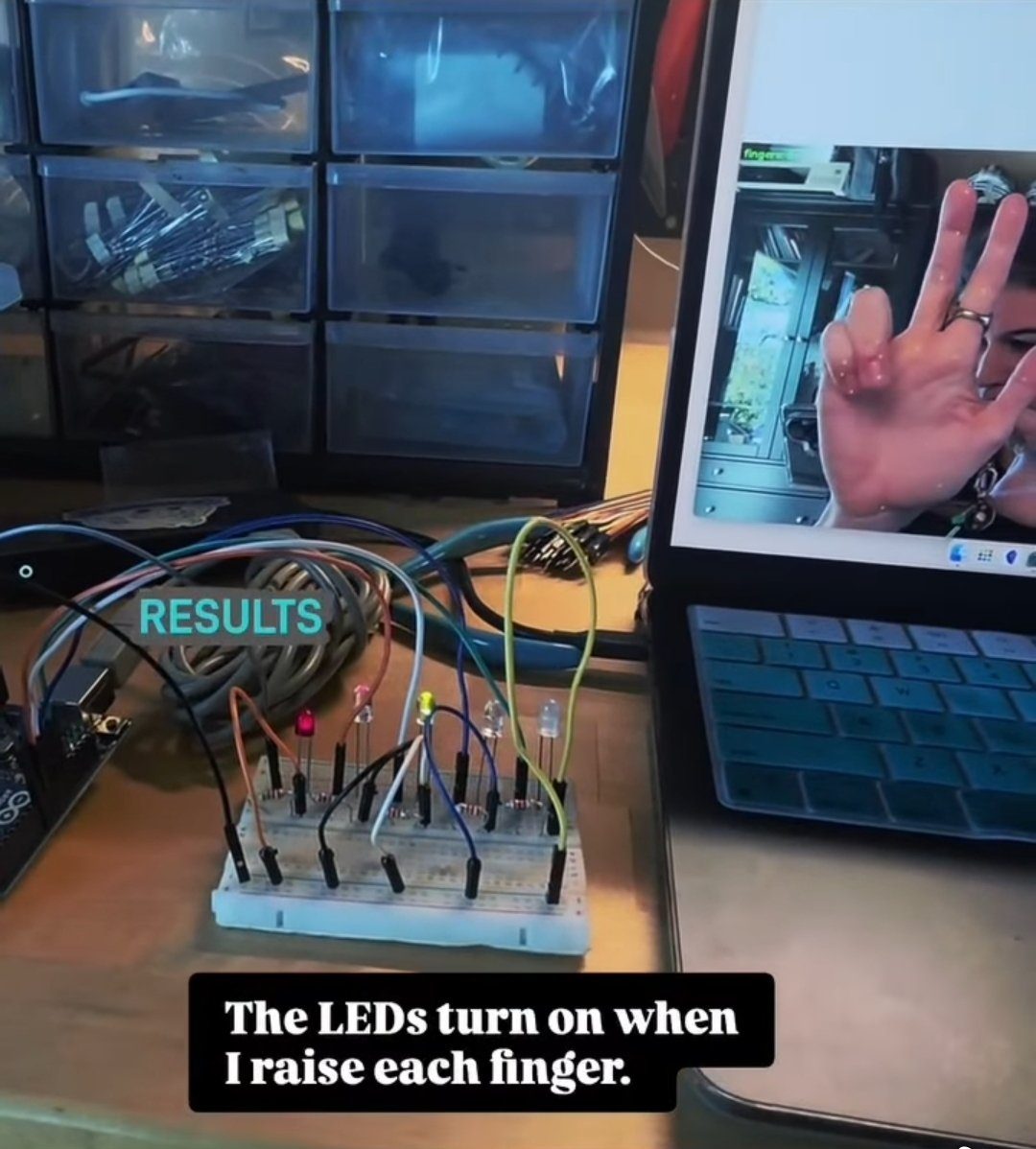
The hand tracking is not mine. It is Google's MediaPipe Hand Landmarker [2], used as it comes: it takes the webcam feed and returns 21 landmarks per hand, many times a second. The Python I wrote around it counts how many fingers are extended and sends that number to an Arduino Uno over a USB cable, as a short text command, using pySerial [4].
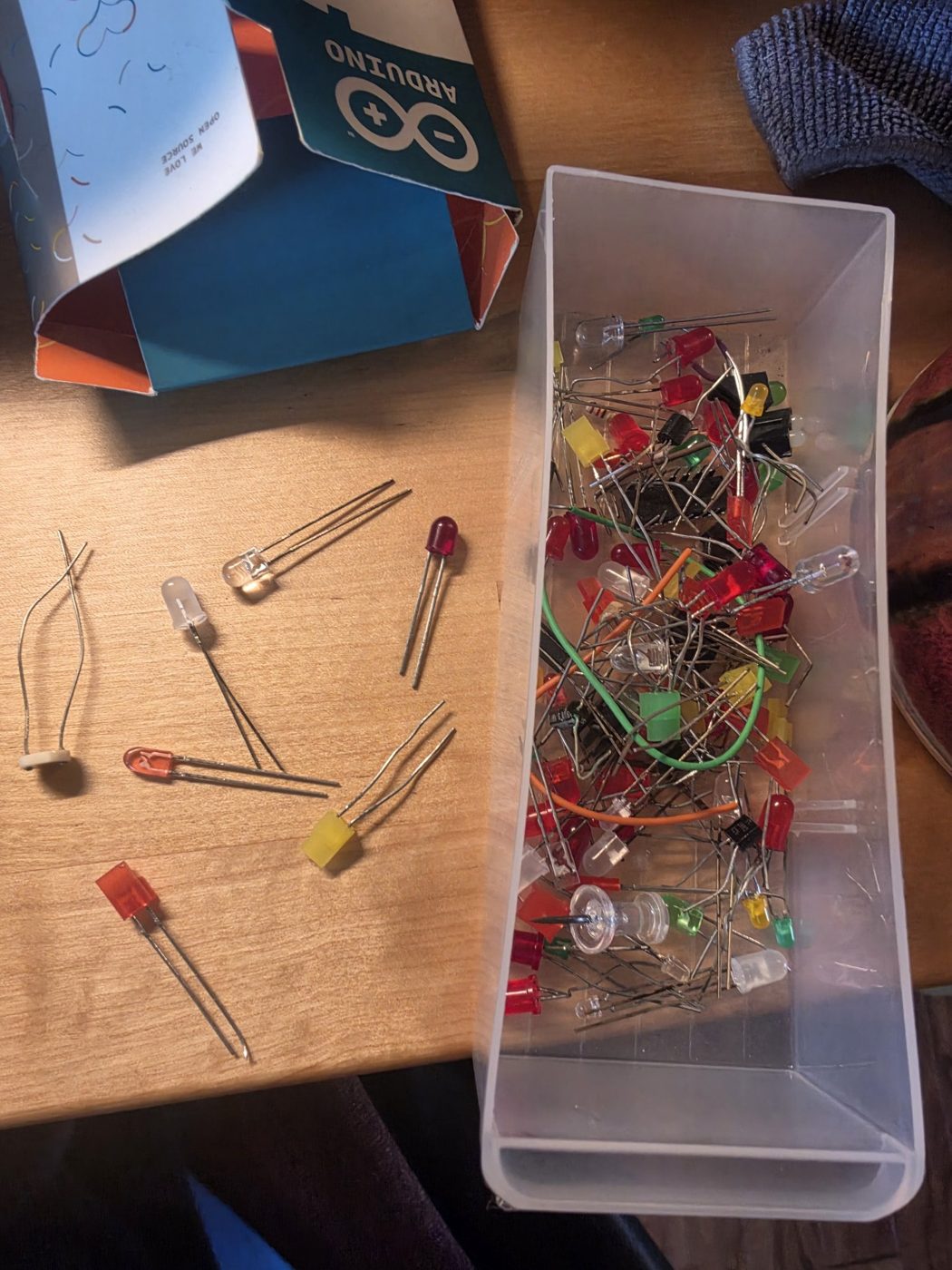
The Uno drives five LEDs on a breadboard, each through a 220 Ω resistor. The Uno sketch was written and uploaded from the Terminal with arduino-cli [6], and the breadboard wiring follows SparkFun's breadboard tutorial [5]. Closed fist: no lights. Open hand: all five.
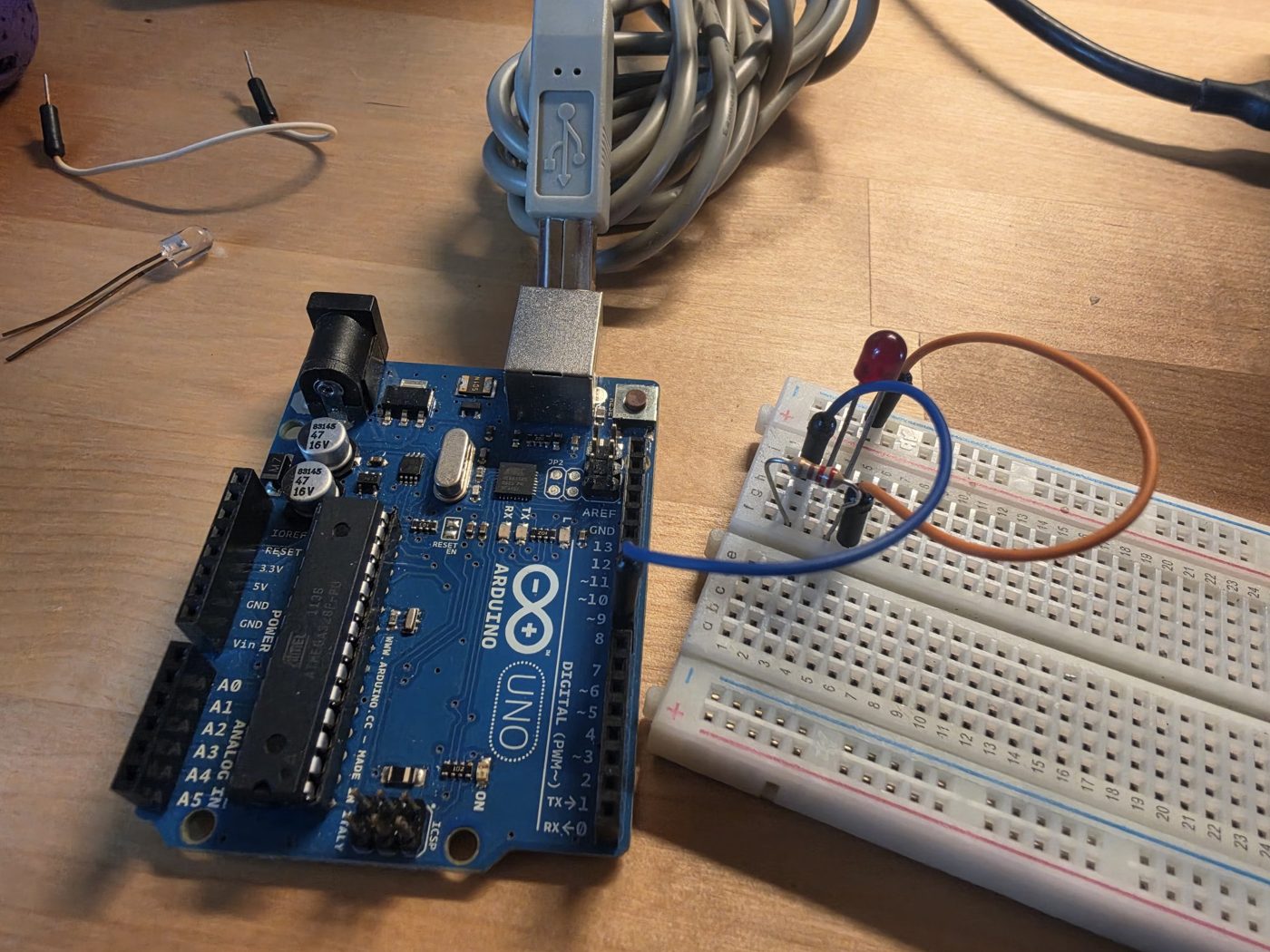
What failed was the wiring, not the tracking: a missing ground return wire, and later a resistor sitting across the breadboard's centre gap, where the two halves are not connected.
Project 2 — Two hands, objects on screen
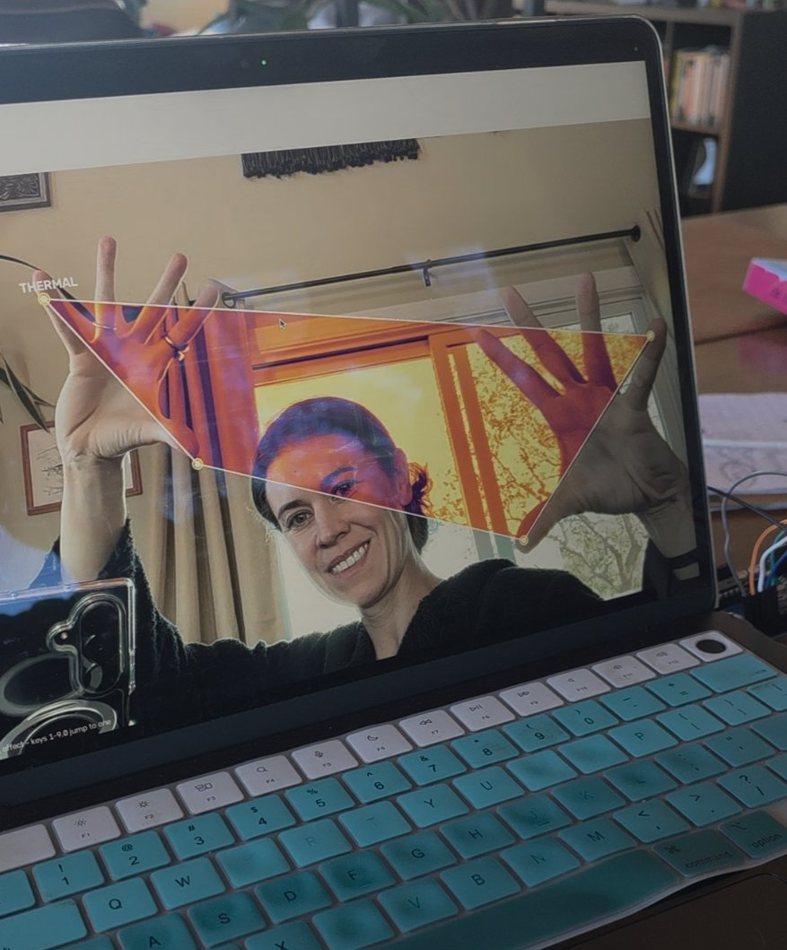
The second project stayed on screen. In Portal, both hands hold up a frame — thumb tip to pinky tip on each side — and the picture inside it is pulled flat, filtered, and put back, live. The warping and the filters are OpenCV [3]. There are ten filters; touching fingertips together switches between them. The idea follows a TikTok demo, RETROLENS by @byte0880 [10]; the code is a rebuild on the same landmarks.
Air Desktop put three cards on screen — a photo, a note, a chart — to be moved by pinching. A card stays where it is left; it does not drift or glide after release. Pinch with one hand to drag it; pinch with both hands to resize it.
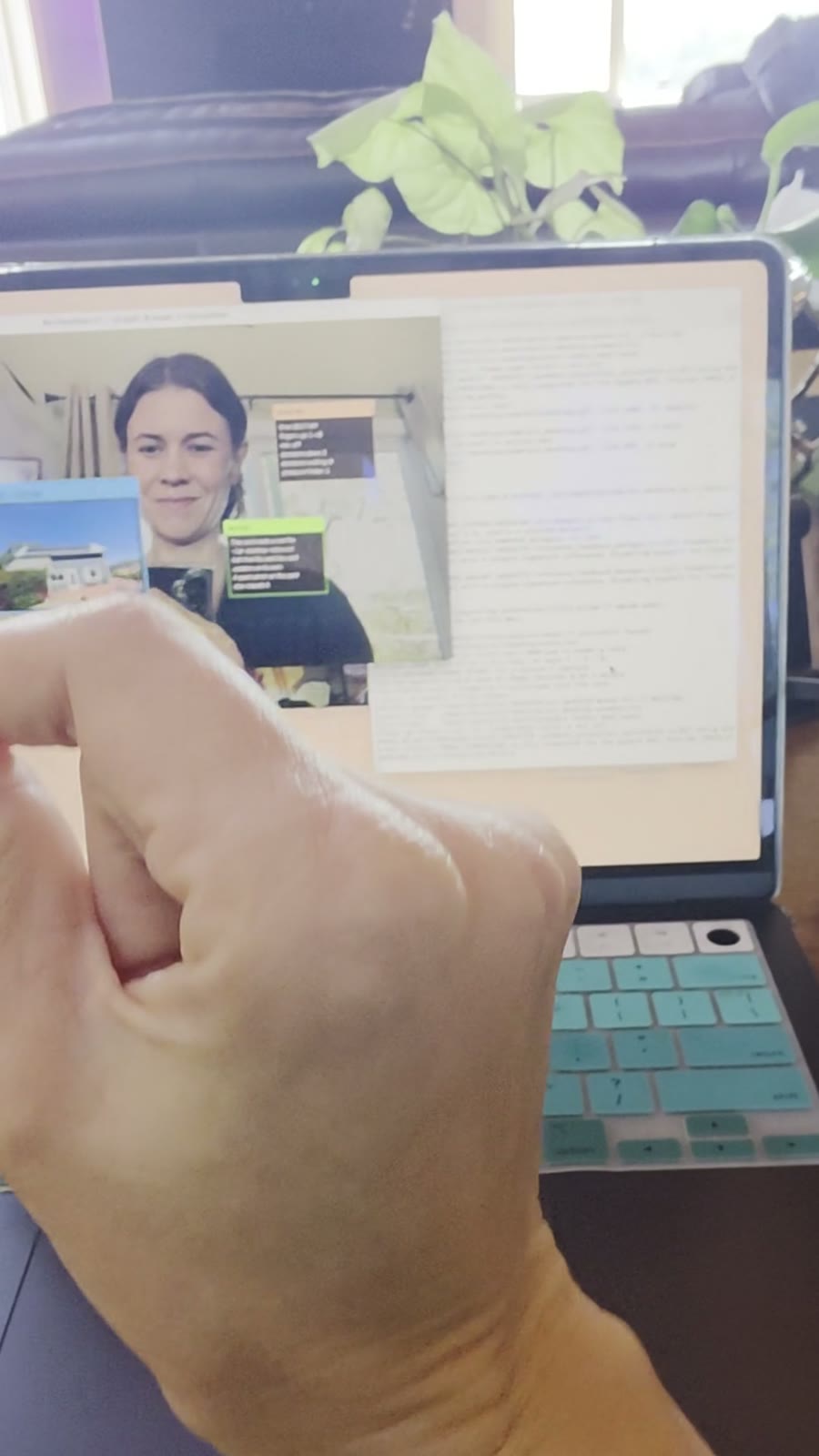
The point of both was practice: two hands tracked at once, a pinch that registers reliably, and screen objects that follow the hand.
Project 3 — The same tracking on my real desktop
Mac Conductor points the same tracking at my actual desktop. A fingertip moves the cursor. A quick pinch clicks. Holding a pinch drags — windows, files, selections.
Two pieces of this are borrowed directly. Dragging only worked after switching the mouse layer to pynput [7], whose held-button events macOS treats as real drags; the first library's events did not move windows until I let go. The cursor smoothing is the One Euro filter [8], published for exactly this kind of noisy input. Clicks read the macOS accessibility tree at the moment of the pinch and snap to the element under my aim, which follows the Bubble Cursor [9], a 2005 paper on enlarging a cursor's effective target.
A second hand, palm open, brings up window commands on the window under the cursor: make a fist to close it, thumb down to minimize it, spread both hands apart for fullscreen.
Unfinished: scrolling, switching between Spaces, and the app switcher are unreliable, and sit in a feedback queue for the next round. Scrolling was bound to a Victory sign; the ergonomics literature says that pose is a bad one to hold, so it will move to pinch-and-drag, the binding Quest and Vision Pro use.
Where this leaves it
The code for all three projects is public [1]. Everything runs locally; no camera frames leave the machine.
This was one Sunday of learning two tools I had not used before. The desktop control works well enough to use, and badly enough to have a list. The television is the same problem at a different distance.
Sources
- The code — github.com/Caitria/gesture-programs: the three projects, build plans, breadboard guide, gesture sheet, and feedback queue.
- MediaPipe Hand Landmarker — developers.google.com. The hand tracking, used as provided.
- OpenCV documentation — docs.opencv.org. Camera capture and the perspective warping behind the Portal.
- pySerial documentation — pyserial.readthedocs.io.
- SparkFun, “How to Use a Breadboard” — learn.sparkfun.com.
- Arduino CLI, getting started — arduino.github.io.
- pynput documentation — pynput.readthedocs.io. The mouse layer whose dragged events macOS accepts.
- Casiez, Roussel & Vogel, “1€ Filter: A Simple Speed-based Low-pass Filter for Noisy Input in Interactive Systems”, CHI 2012 — doi.org/10.1145/2207676.2208639.
- Grossman & Balakrishnan, “The Bubble Cursor: Enhancing Target Acquisition by Dynamic Resizing of the Cursor's Activation Area”, CHI 2005.
- “RETROLENS” — a two-hand effects-frame demo by @byte0880 on TikTok; the Portal's starting point, shared with me directly.
FILED UNDER — GESTURE PROGRAMS · BLOG · OCTOBER 2026